

Signing in to the parent portal
Welcome — your child’s clinic uses Good Steward to keep you in the loop on schedule, progress, and paperwork. This guide walks you through your first sign-in.
What you need
Section titled “What you need”- The invitation email from your child’s clinic. It contains a one-time link to set your password.
- Your phone or another device that can receive a code, for two-factor authentication.
1. Open the sign-in page
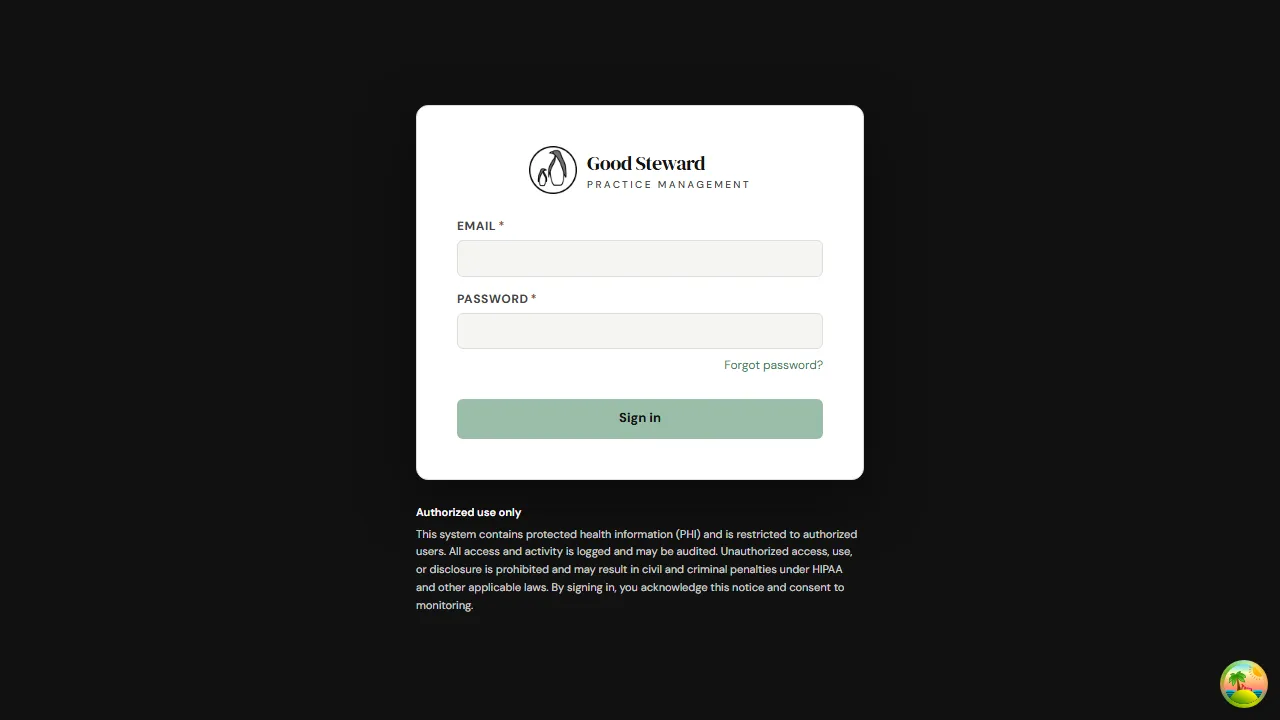
Section titled “1. Open the sign-in page”Click the link in the invitation email, or go to the URL the clinic shared with you. You’ll see a Good Steward sign-in form.
2. Enter your email and password
Section titled “2. Enter your email and password”Use the email address the invitation was sent to. The first time you sign in you’ll set a password from the invitation link — after that, the password is yours to remember (or save in your browser’s password manager).
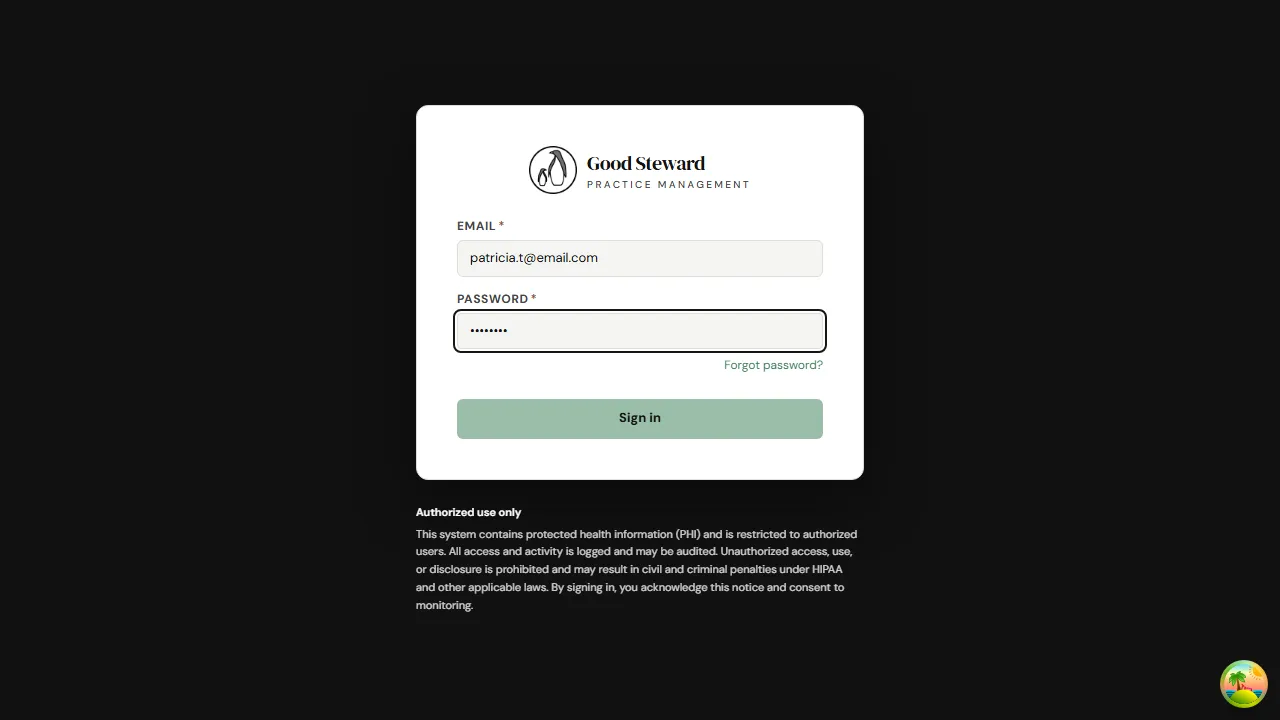
Click Sign in.
3. Enter your two-factor code
Section titled “3. Enter your two-factor code”For your child’s privacy, every account uses two-factor authentication. After your password the portal asks for a 6-digit code from your authenticator app (or, if your clinic enabled it, a code emailed to you).
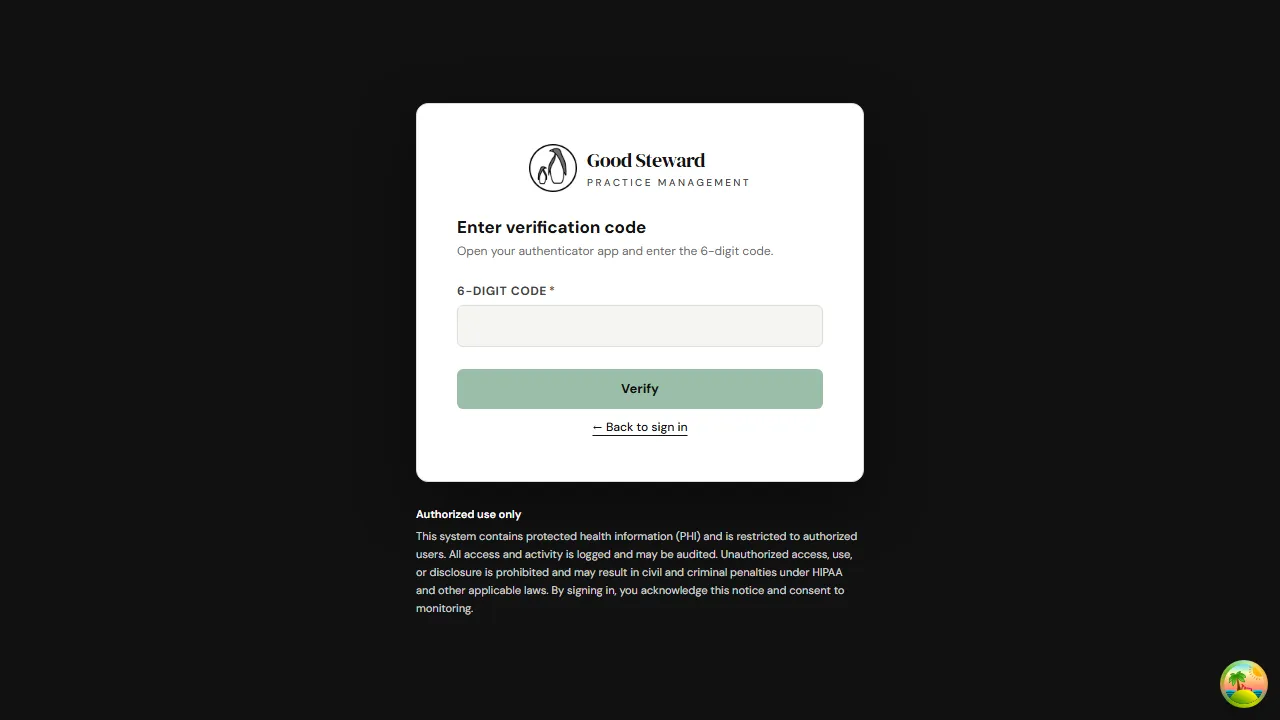
Enter the code and click Verify. Once verified, you’ll land on your portal home.
Forgot your password?
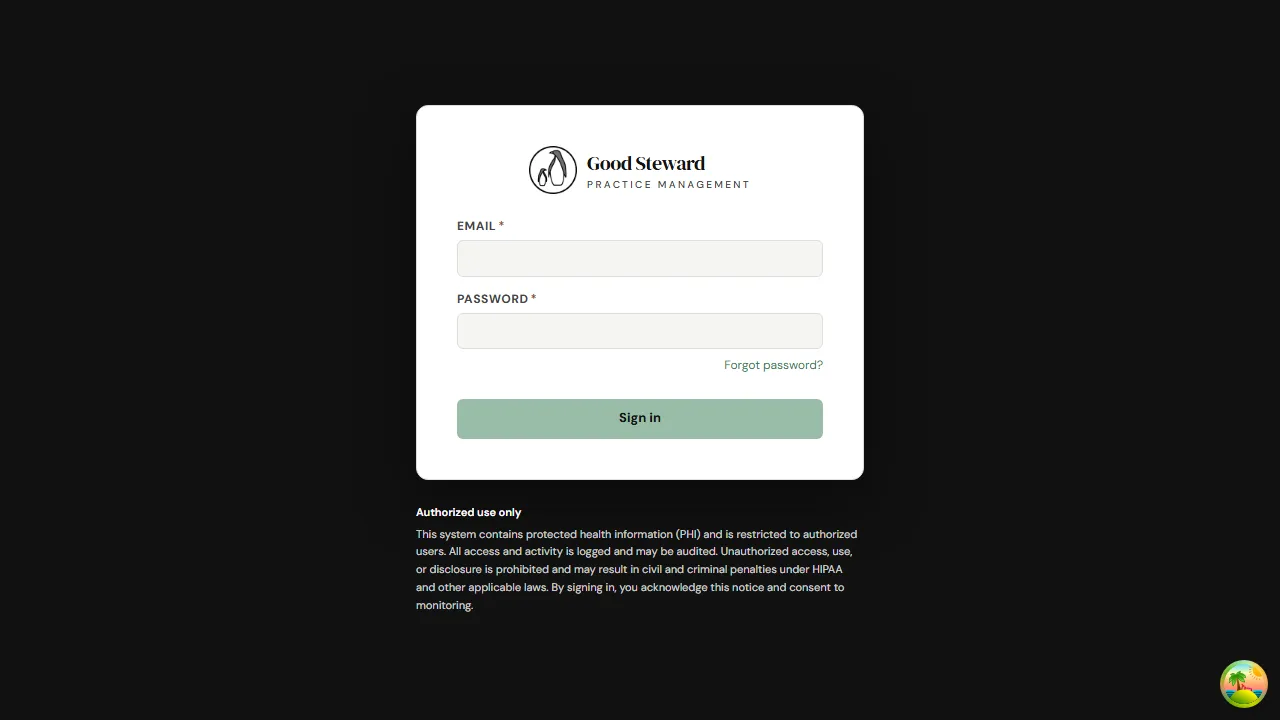
Section titled “Forgot your password?”If you can’t remember your password, click Forgot password? below the password field on the sign-in page. The portal will email you a reset link.
Didn’t get your invitation?
Section titled “Didn’t get your invitation?”Check your spam folder first — invitations come from your clinic’s domain and can occasionally be filtered. If you still can’t find it, contact your clinic and ask them to resend; an admin can re-issue the invitation in seconds.
Phone vs. computer
Section titled “Phone vs. computer”The portal works the same way on a phone, tablet, or computer — sign in with the same email and password on any device. On a phone the side navigation collapses behind the menu icon at the top.